YouTube Live chat overlay
Keep viewer profile images, names, and messages visible over your game while you stream.
Stream Chat Overlays
Stream Chat Overlays is a free Windows desktop app that displays your YouTube Live chat as a transparent, customizable overlay above your game. Read your live chat without Alt-Tabbing or needing a second monitor.
Windows desktop app · v0.3.10
201 MB installer
CONNECTION
Sign in once and the app finds your live stream automatically.
● Listening to your live chat
APPEARANCE
PREVIEW
IN-GAME VIEW
Unlock the overlay to drag or resize the chat panel, then lock it to make it fully click-through. Your game stays in control while your chat stays in view.
KEEP YOUR EYES ON THE MATCH
Your match remains front and center while your YouTube community is always one glance away.
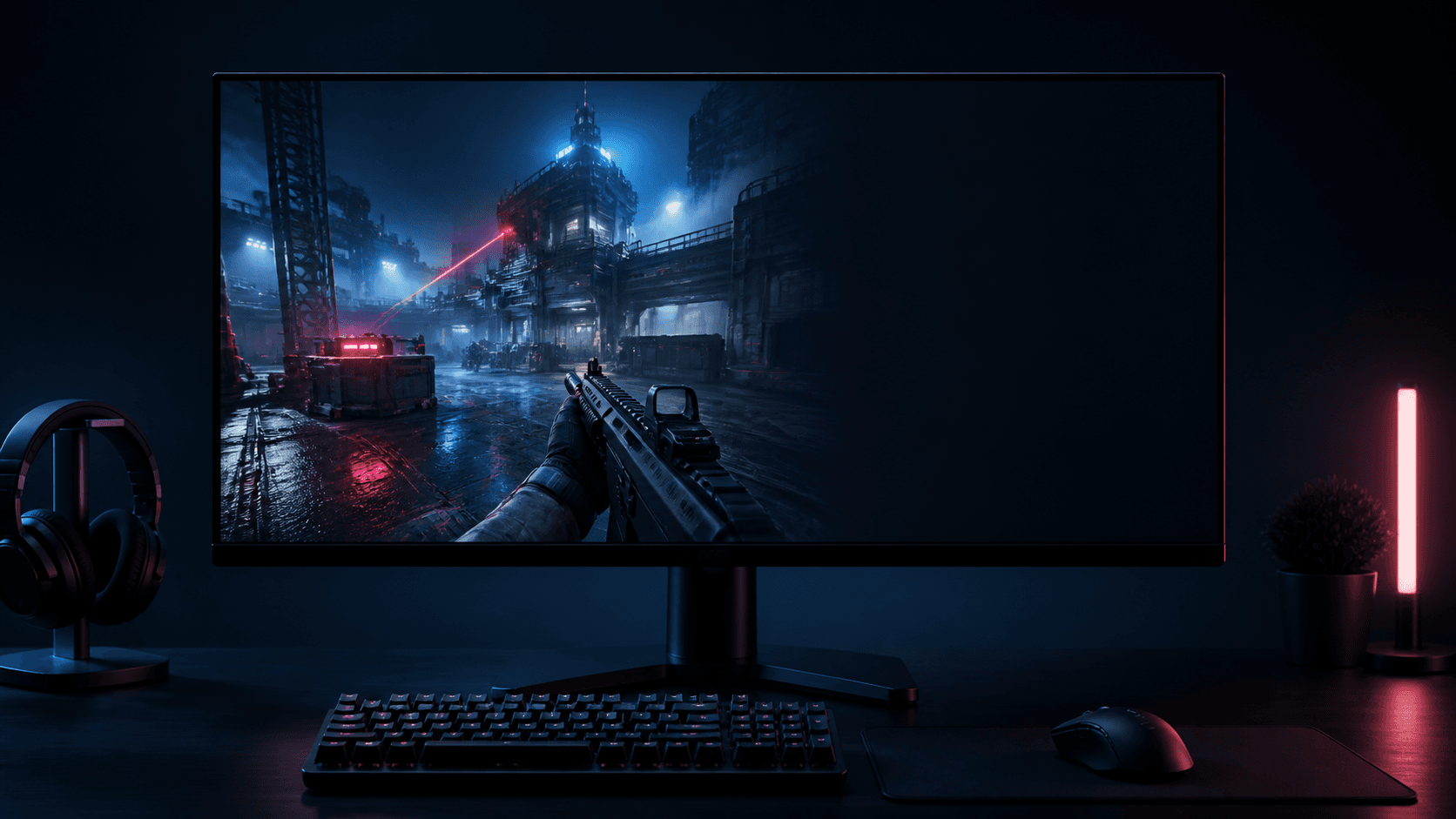
Your game. Your chat. No second screen required.
DESIGNED FOR STREAMERS
Keep viewer profile images, names, and messages visible over your game while you stream.
Sign in securely with Google to connect your YouTube channel. Authentication is handled by Google.
Adjust transparency, font size, message limit, fade timing, and viewer avatars to suit your setup.
Place the overlay anywhere, then lock its position so it stays put while you play.
Lock it to click through to your game, or use a keyboard shortcut to show or hide it instantly.
A compact Windows desktop companion designed for long gaming and streaming sessions.
GOOGLE / YOUTUBE SIGN-IN
Stream Chat Overlays is an independent Windows desktop app. When you choose to sign in, Google handles authentication and the app requests YouTube's read-only permission only to power the features below.
Identify your active YouTube broadcast and its live chat so the right conversation appears in your overlay.
Read live chat messages, display names, and profile images to render chat for you on your own screen.
Read viewer count and total views for the small stream-stat display in the overlay.
The app does not post to YouTube, edit your channel or videos, or share your YouTube data with other users. You can disconnect your account at any time.
Read the Privacy Policy →Your account stays yours. Sign in securely with Google to connect your YouTube channel. Authentication is handled by Google, and Stream Chat Overlays only requests the YouTube permissions required for its functionality. You can disconnect at any time.
Read the privacy policy →LET’S MAKE IT BETTER
Have a bug to report or an idea for the next version? Tell Georgemff what would make your streams smoother.